Correction & Update · Guide 2026
Family ID Update Haryana – Add Member, Correction & Mobile Change
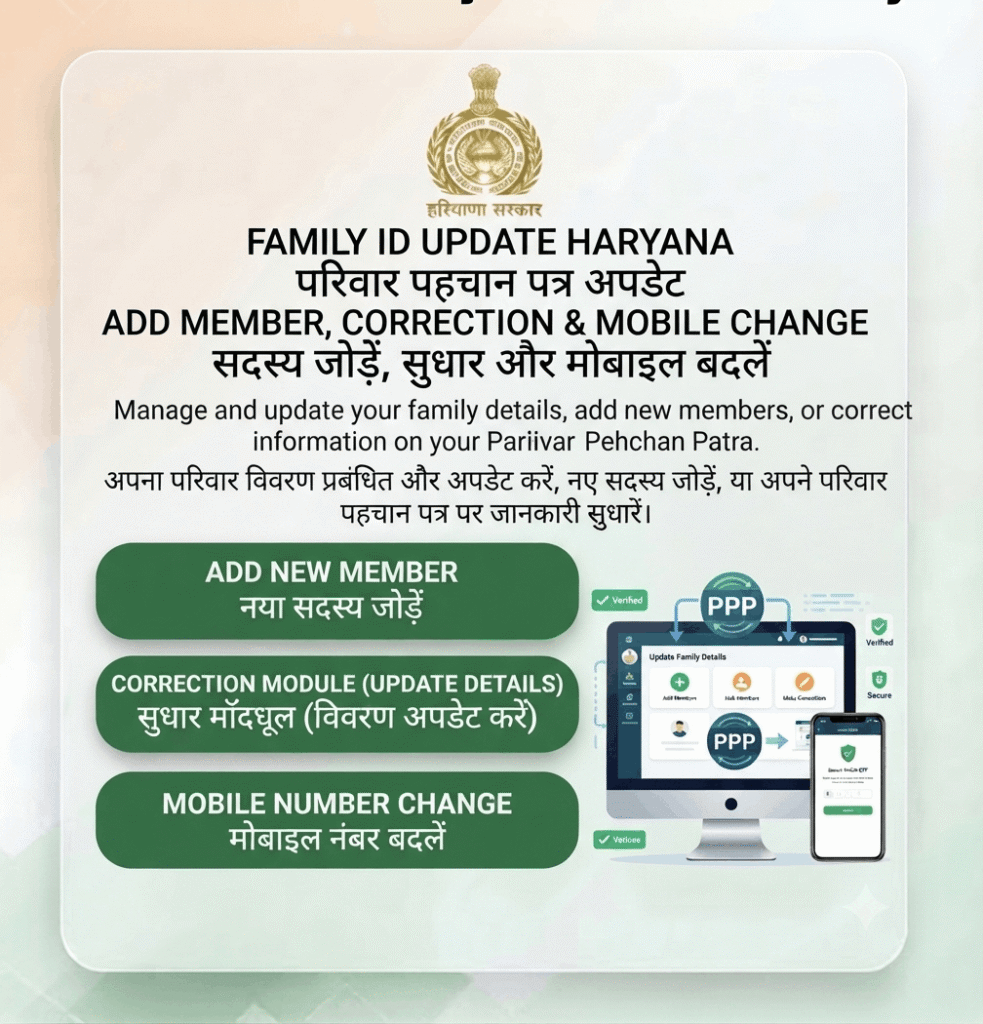
Details in your Parivar Pehchan Patra can be corrected online. Add a newborn, remove a deceased member, fix a wrong name or date of birth, correct your income, or change the registered mobile number – all from the Citizen Corner.
👥 Add/Remove Members 📝 Fix Wrong Details 💸 Free of Cost
Last updated: 30 September 2026 · Reviewed by the Haryana Family ID research team against official PPP sources.
What You Can Update in Your Family ID
Your Family ID record drives eligibility for pensions, ration and scholarships, so keeping it accurate matters. Most corrections need a supporting document, and each request goes to a verifying officer before it is approved.
How to Update Family ID Haryana – Step by Step
Keep your 8-digit Family ID, the registered mobile for the OTP, and a scanned copy of the supporting document ready. Click any screenshot to enlarge it.
STEP 1
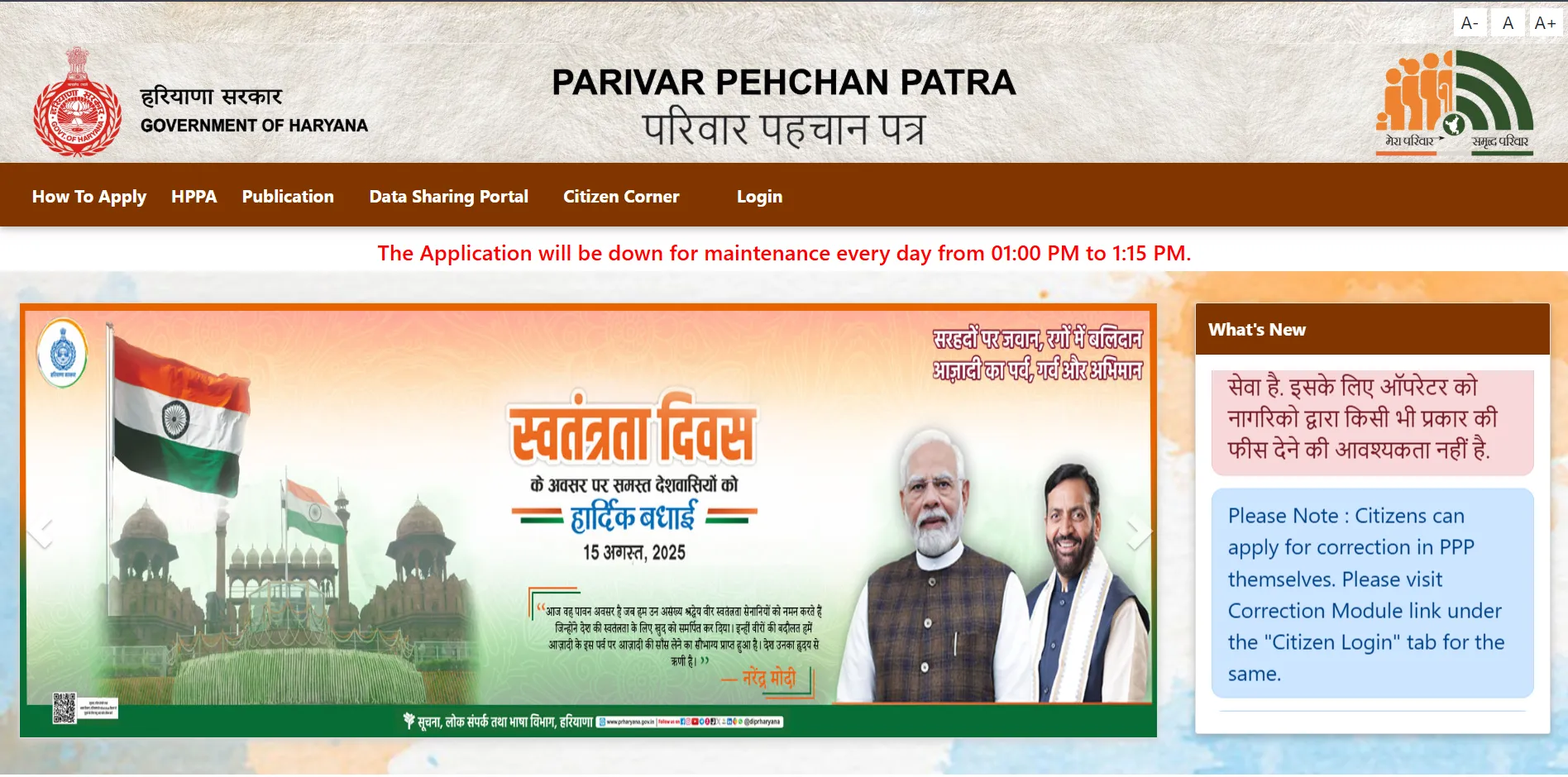
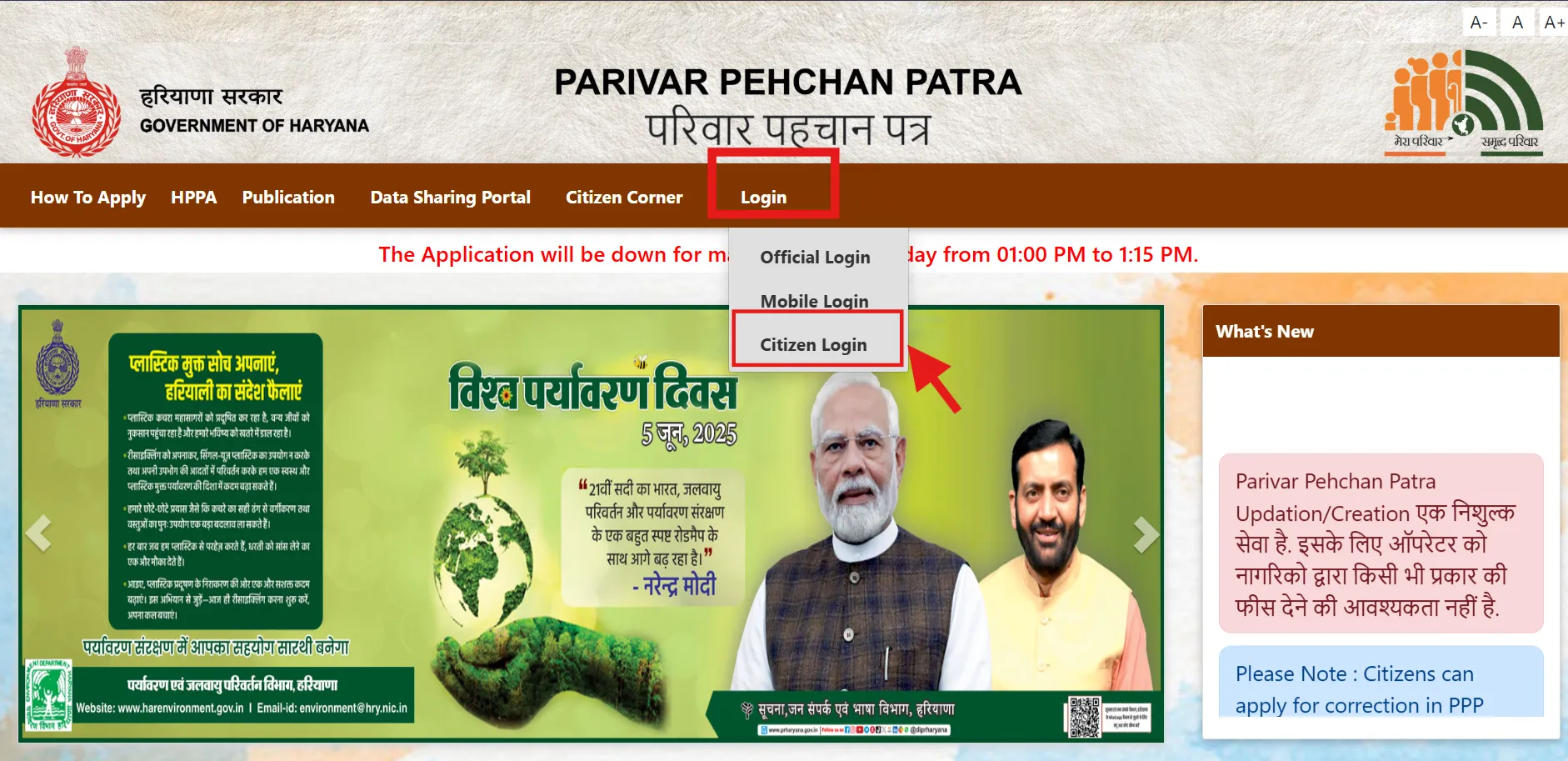
Log In to the Citizen Corner
Open ppp-office.haryana.gov.in, click Citizen Login, enter your Family ID and verify the OTP sent to your registered mobile number.
🔗 https://ppp-office.haryana.gov.in/
STEP 2
Open Your Family Dashboard
After the OTP is verified, your dashboard lists every member with their recorded details. Review it carefully and note exactly which field is wrong.
STEP 3
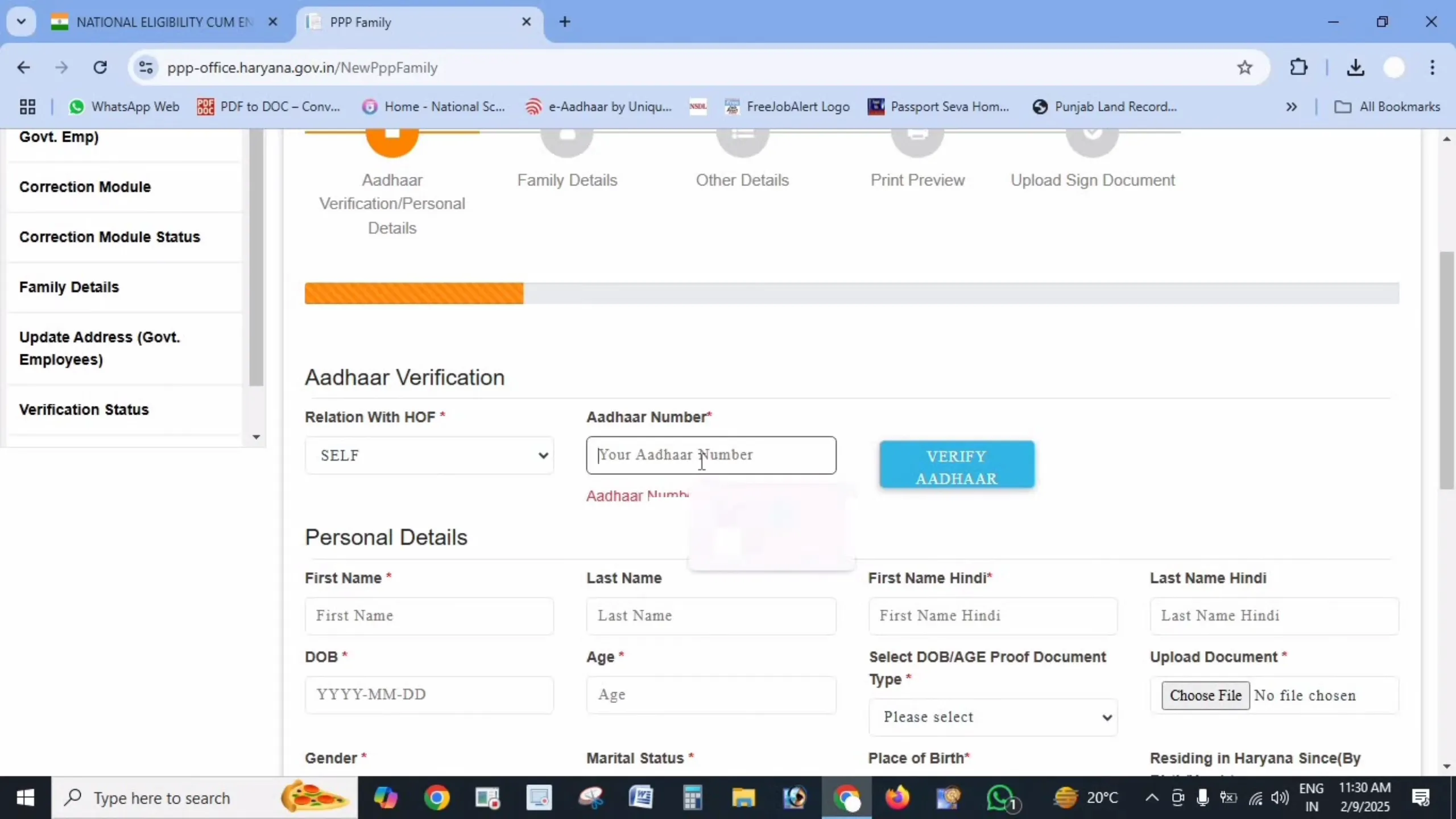
Select the Detail You Want to Change
Choose the member and the field – name, date of birth, relationship, income, mobile number or address. To add someone, use the Add Member option and enter their Aadhaar.
STEP 4
Upload the Supporting Document
Every correction needs proof – birth certificate to add a child, death certificate to remove a member, Aadhaar for name or date corrections, income certificate for income changes. Upload a clear PDF under 200 KB.
STEP 5
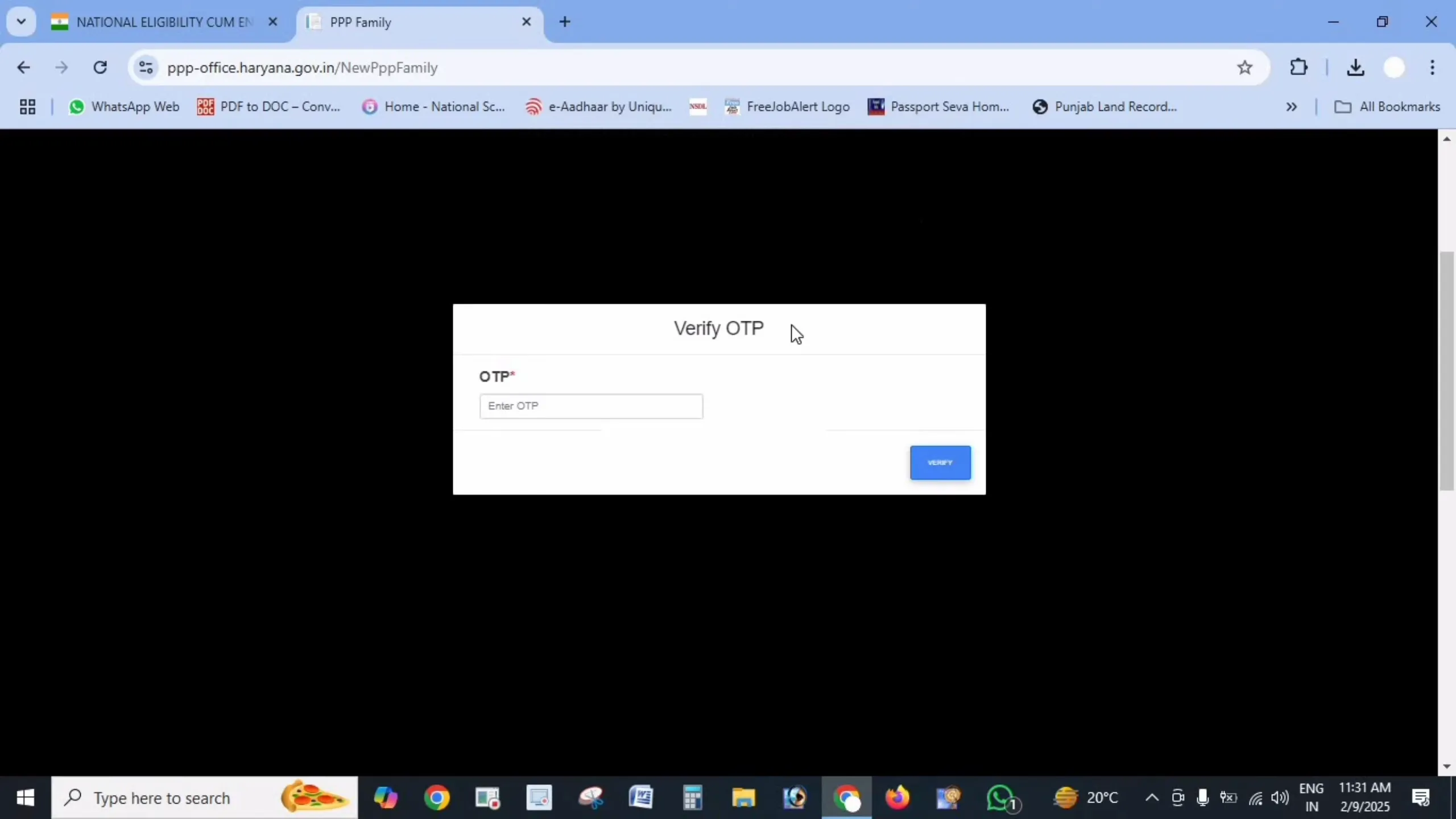
Verify with OTP and Submit
Confirm the change with an OTP, then submit the request. You will get a reference number – save it so you can track the correction.
STEP 6
Wait for Verification
A local verifying officer reviews the request against your documents. Approval usually takes 7 to 30 days. Track it on our Check Status page, and download a fresh card once approved.
Documents Needed for Each Update
| Add a newborn child | Birth certificate and the child’s Aadhaar (if issued) |
| Add a spouse after marriage | Marriage certificate and spouse’s Aadhaar |
| Remove a deceased member | Death certificate |
| Name or date of birth correction | Aadhaar card, or school/matriculation certificate |
| Income correction | Income certificate or salary proof |
| Address change | Electricity bill, ration card or property document |
| Bank account details | Bank passbook first page or cancelled cheque with IFSC |
| Education / occupation update | Latest marksheet, degree or employment proof |
| Mobile number change | Aadhaar of the family head (done at Saral Kendra if locked out) |
How to Update Bank Account Details in Family ID
Most Haryana welfare payments – pension, scholarship, subsidy and other Direct Benefit Transfer (DBT) amounts – are sent to the bank account linked in your Parivar Pehchan Patra. If that account is closed, dormant or belongs to the wrong member, the money simply fails to arrive.
Steps to change your bank account
- Log in to the Citizen Corner with your Family ID and OTP.
- Open Family Details → Update / Correction Module.
- Select the member whose bank account you want to change.
- Enter the new account number, bank name and IFSC code exactly as printed in the passbook.
- Upload the first page of the passbook or a cancelled cheque (PDF under 200 KB).
- Verify with OTP, submit, and save the reference number.
Important: the account should ideally be Aadhaar-seeded (linked to the member’s Aadhaar at the bank). Many DBT payments are routed through the Aadhaar-linked account rather than the account number itself, so ask your bank to seed it if payments still fail after the update.
Common Update Problems and Fixes
My correction request was rejected
Usually the uploaded document did not clearly prove the change, or the new detail still did not match Aadhaar. Re-check that your Aadhaar itself is correct first – PPP verifies against UIDAI records, so fix Aadhaar before PPP.
Update is pending for a long time
Corrections take 7–30 days depending on the verifying officer’s workload. If it has been longer, visit a Saral Kendra with your reference number and ask them to escalate it.
My pension or ration stopped after an update
Benefits are calculated from your verified income and age in the PPP record. If a correction changed those figures, eligibility may have shifted. Check the recorded income is accurate and raise a fresh correction with proof if it is wrong.
Cannot add a member without Aadhaar
Newborns can be added with a birth certificate, but adults generally need Aadhaar for verification. Enrol for Aadhaar first, then add the member to your Family ID.
Frequently Asked Questions
Disclaimer: This is a private informational website created to help citizens understand the Parivar Pehchan Patra scheme. We are not affiliated with the Government of Haryana. Always update your Family ID only through the official portals meraparivar.haryana.gov.in and ppp-office.haryana.gov.in.