PPP Card Download · Guide 2026
Family ID Download Haryana – Print Your PPP Card PDF
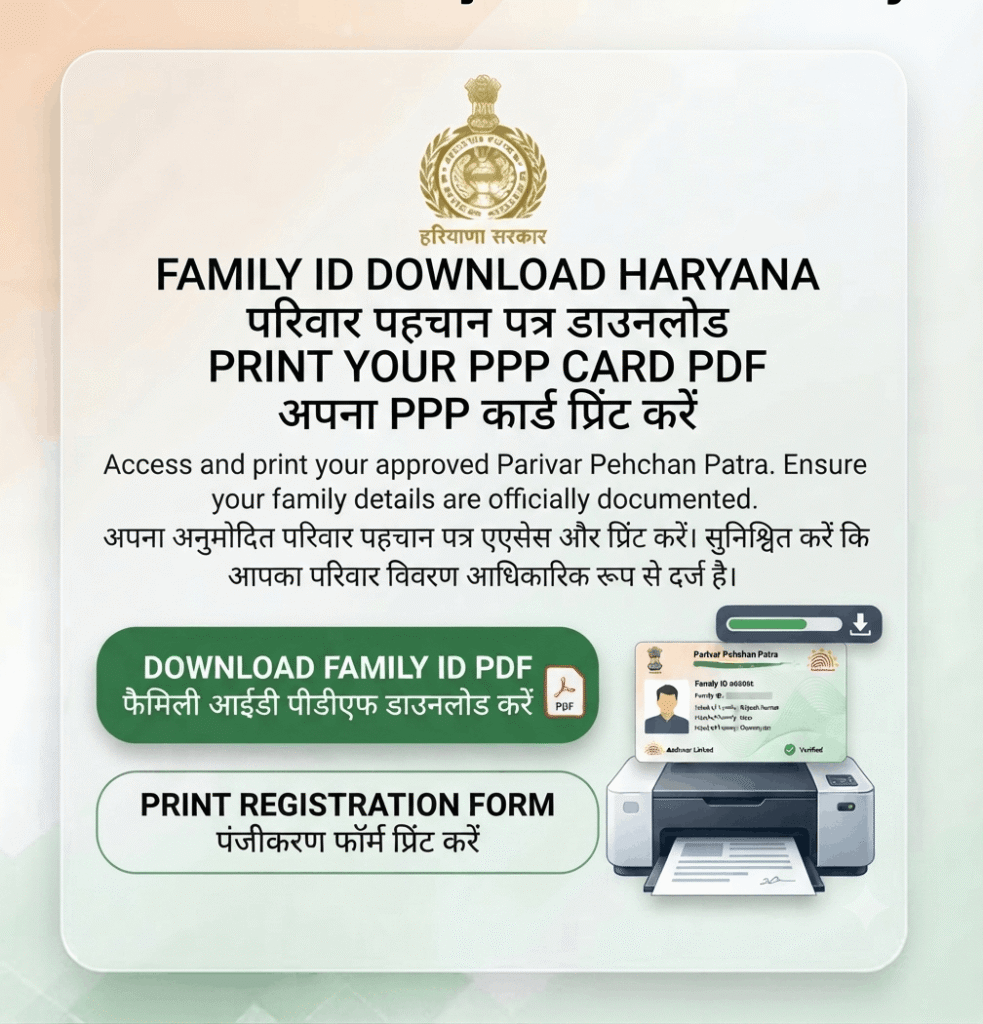
Once your Parivar Pehchan Patra is approved, you can download and print the Family ID card as a PDF straight from the Citizen Corner. It is free, takes about two minutes, and needs only your 8-digit Family ID and an OTP.
📄 PDF Format ⏱️ 2 Minutes Process 💸 Free Download
Last updated: 30 September 2026 · Reviewed by the Haryana Family ID research team against official PPP sources.
Before You Download Your Family ID
You can only download the card once your application has been approved and a permanent 8-digit Family ID has been issued. If you still hold a temporary ID starting with “T”, verification is not finished – check your status first.
Keep two things ready: your Family ID number and access to the mobile number registered in your PPP record, since the Citizen Corner sends an OTP before showing your family data.
How to Download Family ID Haryana – Step by Step
The download happens inside the Citizen Corner after you log in. Click any screenshot below to enlarge it.
STEP 1
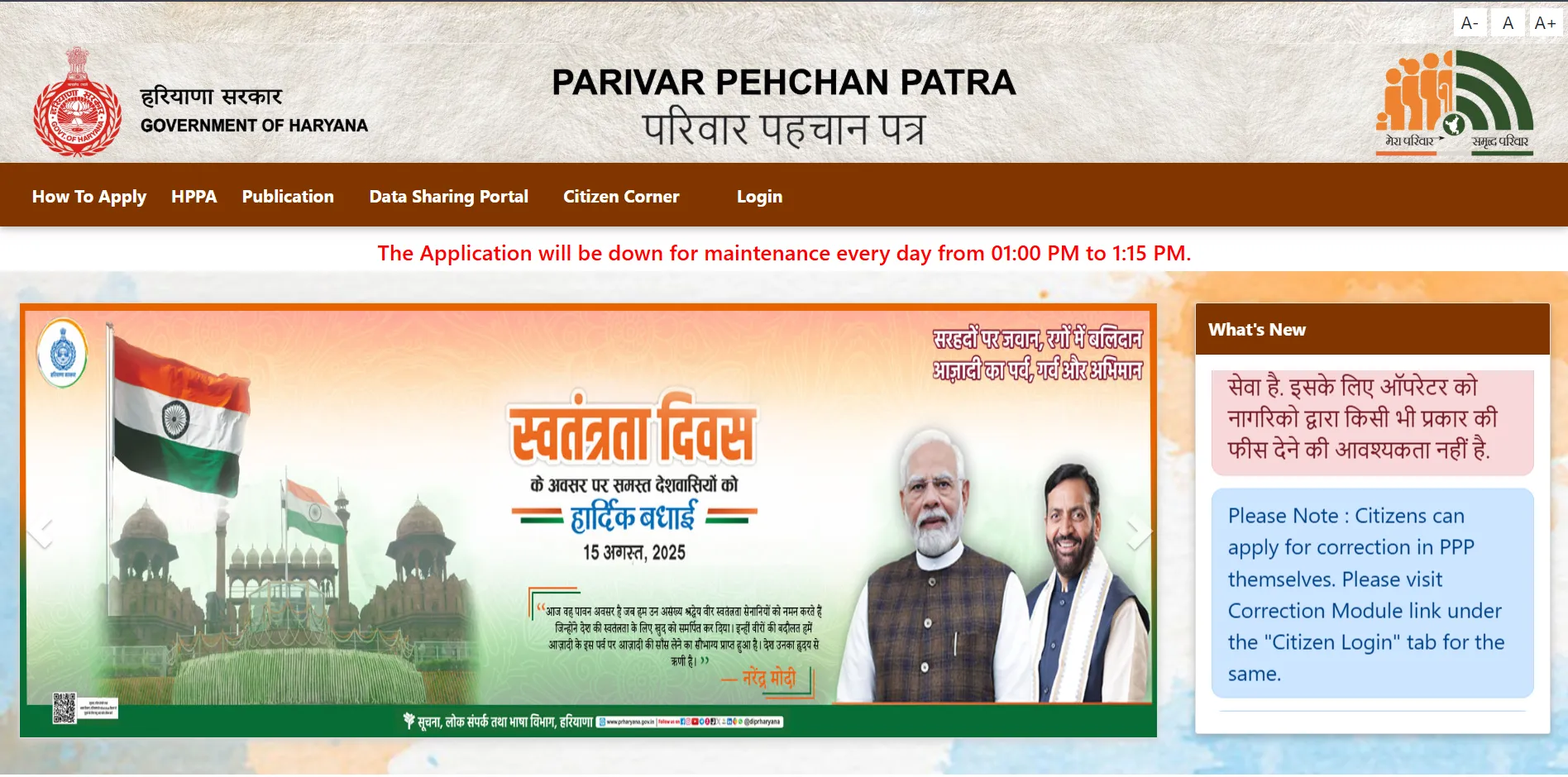
Open the Official PPP Portal
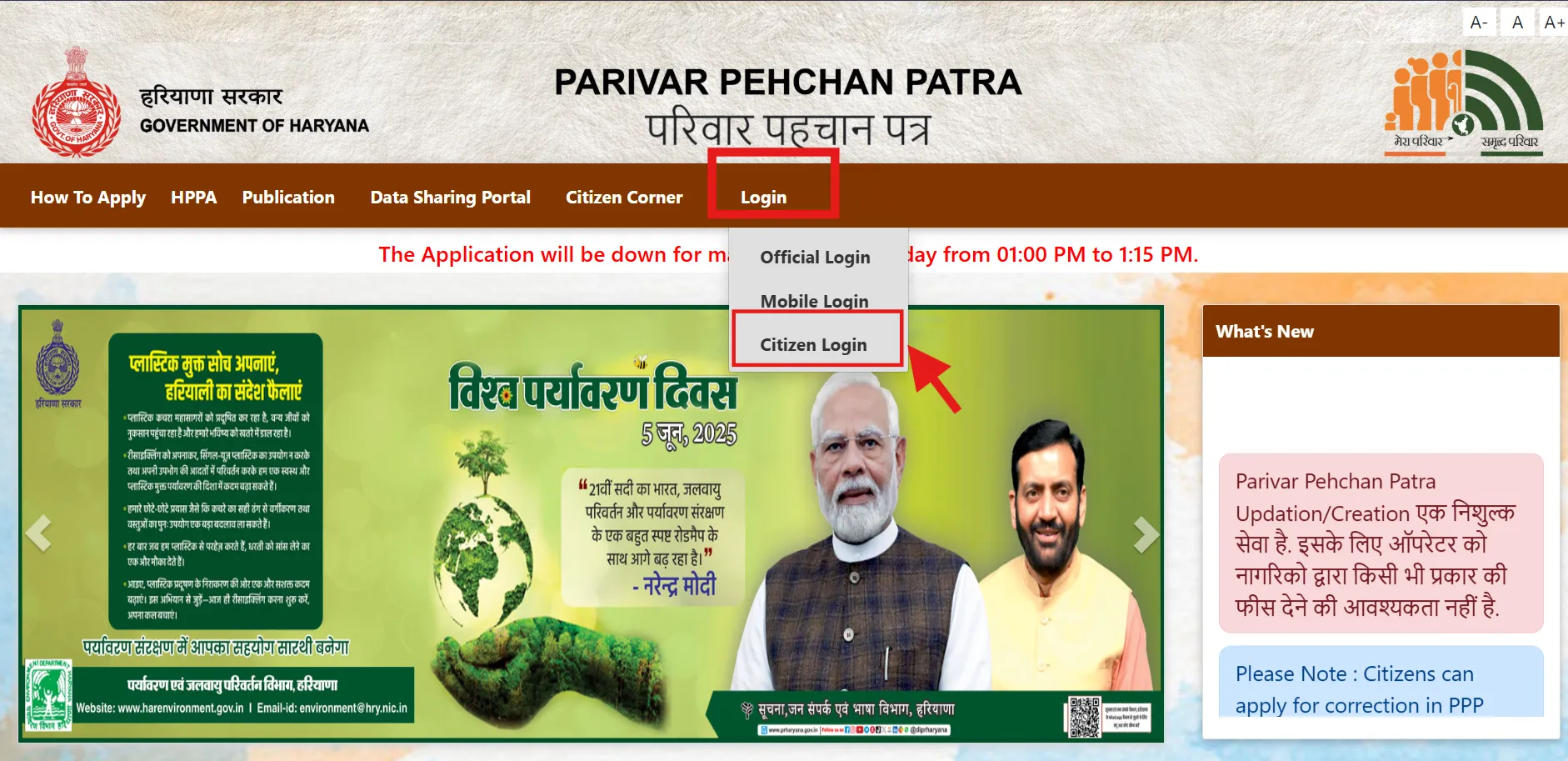
Go to ppp-office.haryana.gov.in and click Citizen Login. Always confirm the address ends in haryana.gov.in – lookalike sites often charge money for a free service.
🔗 https://ppp-office.haryana.gov.in/
STEP 2
Enter Your Family ID
Select “Yes” when asked if you have a Family ID, then type your 8-digit Parivar Pehchan Number. Forgotten it? Recover it with our Search Family ID guide.
STEP 3
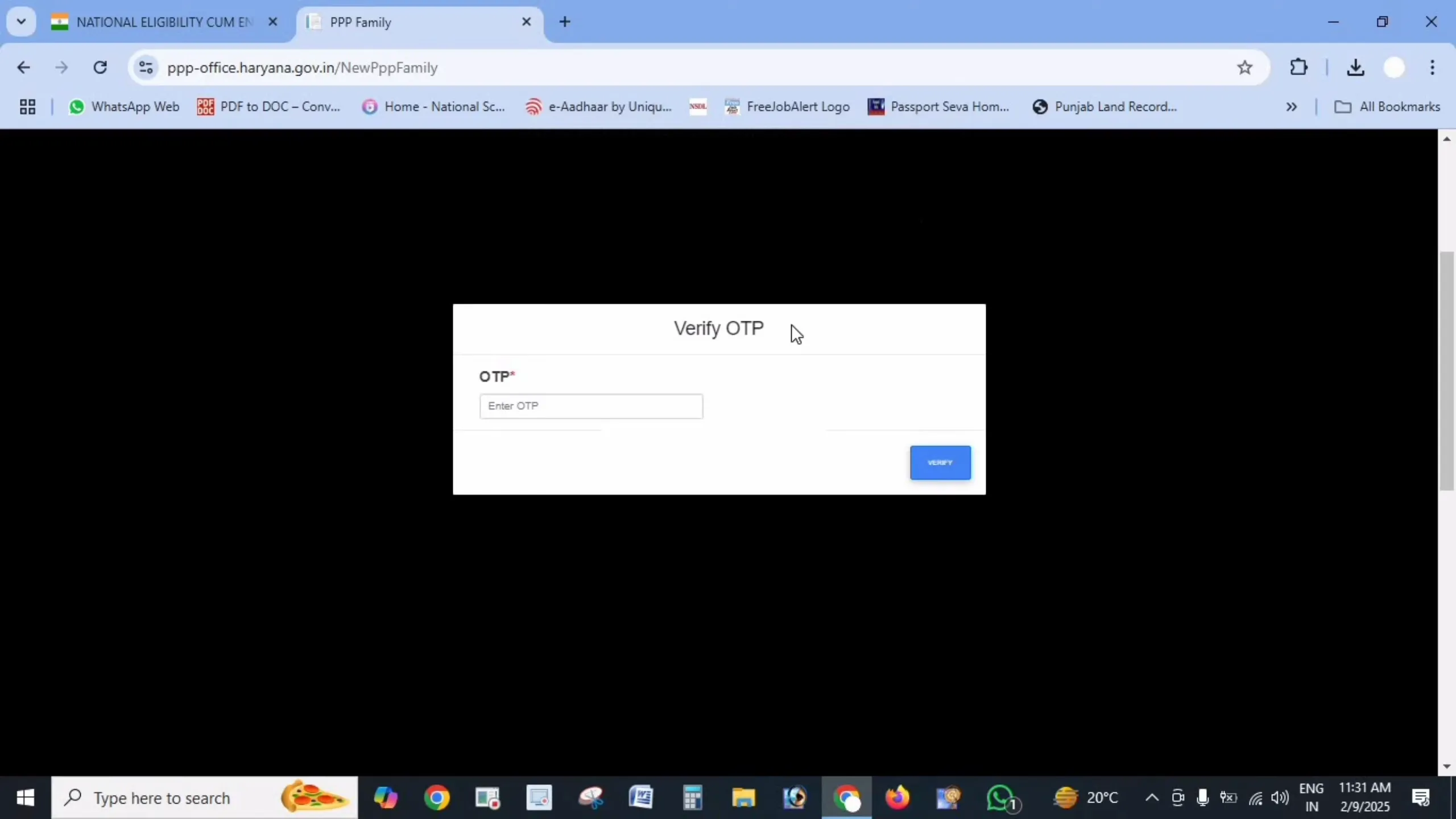
Verify the OTP
An OTP is sent to your registered mobile number. Enter it to confirm your identity and unlock your family record.
STEP 4
Open Your Family Dashboard
Once verified, your dashboard shows every family member with their verified details. Check the information is correct before printing.
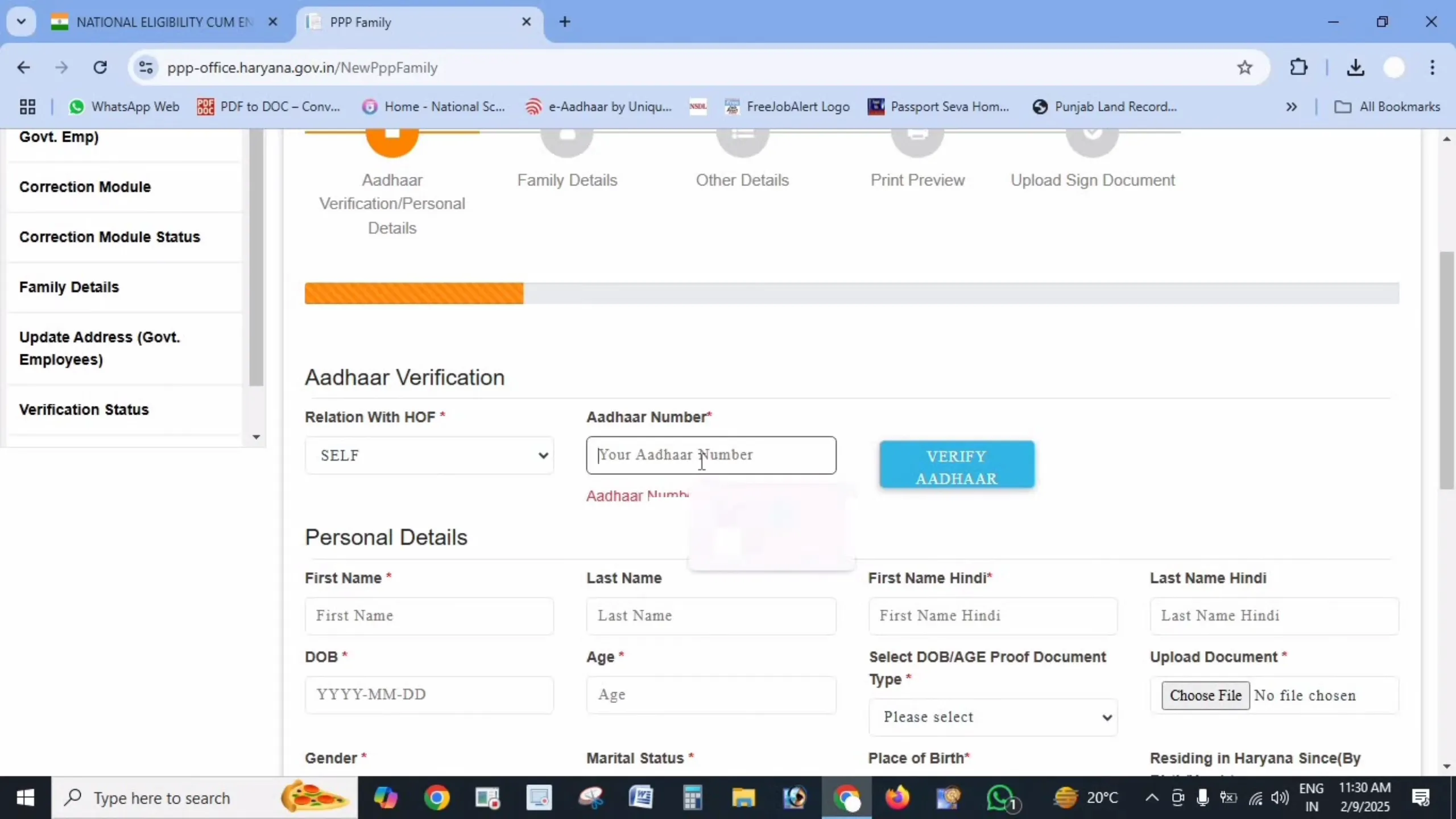
STEP 5
Click Print / Download PDF
Find the Print Form or Download Family ID option on the dashboard. The PPP card opens as a PDF – save it to your device or print a hard copy for your records.
STEP 6
Sign, Scan and Re-upload (When Required)
In some cases the portal asks you to complete a final verification step after printing. Sign the printed form, scan it as a PDF under 200 KB, and upload it back through the same dashboard option. Until this signed copy is uploaded, the record may stay marked as pending even though you already hold a printed card.
If no upload option appears after printing, no signed copy is needed – your download is already complete and valid.
Where You Need the Family ID Card
Common Download Problems and Fixes
Download option not showing
This usually means your application is still pending. The print option appears only after approval, when a permanent 8-digit ID is issued. Check your status to confirm.
PDF will not open or is blank
Allow pop-ups for the portal, then try again – the PDF often opens in a new tab. If it still fails, use a different browser, or open the downloaded file with a PDF reader rather than the browser preview.
Details on the card are wrong
Do not use a card with incorrect details – departments verify against the live database. Raise a correction through the update process and download a fresh copy once approved.
Someone is charging me to download
Downloading your Family ID is completely free on the official portal. A CSC may charge a small printing fee for paper, but never for the download itself.
Related Family ID Guides
Frequently Asked Questions
Disclaimer: This is a private informational website created to help citizens understand the Parivar Pehchan Patra scheme. We are not affiliated with the Government of Haryana. Always download your Family ID only from the official portals meraparivar.haryana.gov.in and ppp-office.haryana.gov.in.