ID Recovery · Guide 2026
Search Family ID by Aadhaar – Find Your PPP Number
Forgotten your Parivar Pehchan Number? You do not need to reapply. Your existing Family ID can be recovered online in a couple of minutes using your Aadhaar number or the mobile number registered in your PPP record.
🆔 Aadhaar Based ⏱️ 2 Minutes Process 💸 Free of Cost
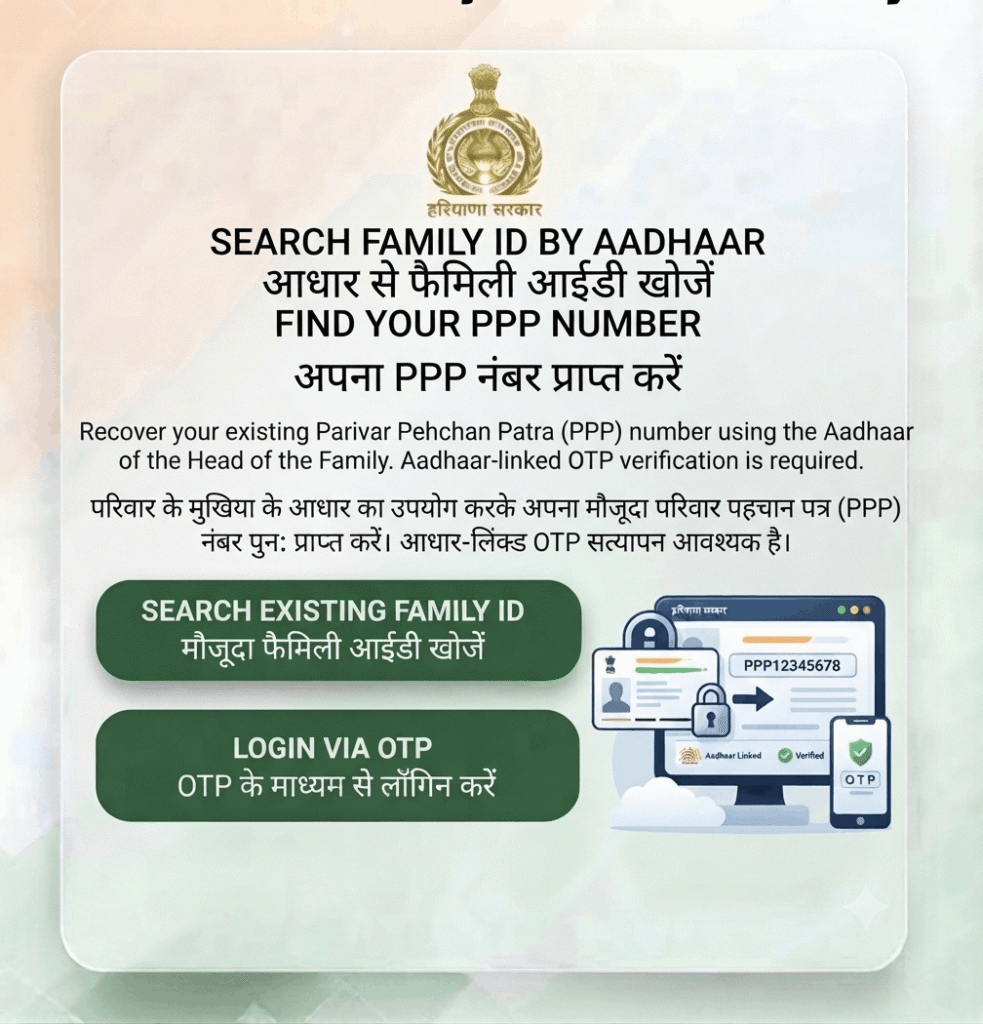
Last updated: 30 September 2026 · Reviewed by the Haryana Family ID research team against official PPP sources.
Lost Your Family ID Number? Here is What to Do
Every registered family in Haryana has one Parivar Pehchan Number – 8 digits for permanent residents, or 9 digits starting with “T” for temporary records. Losing the printed card does not mean losing the ID; the number stays linked to your Aadhaar in the state database.
Never reapply for a new Family ID. Creating a duplicate record causes serious problems later – split family data, rejected scheme applications, and a lengthy merge process. Always recover the existing number instead.
How to Search Family ID by Aadhaar – Step by Step
Keep the Aadhaar card of any family member and access to the mobile number registered in your PPP record. Click any screenshot to enlarge it.
STEP 1
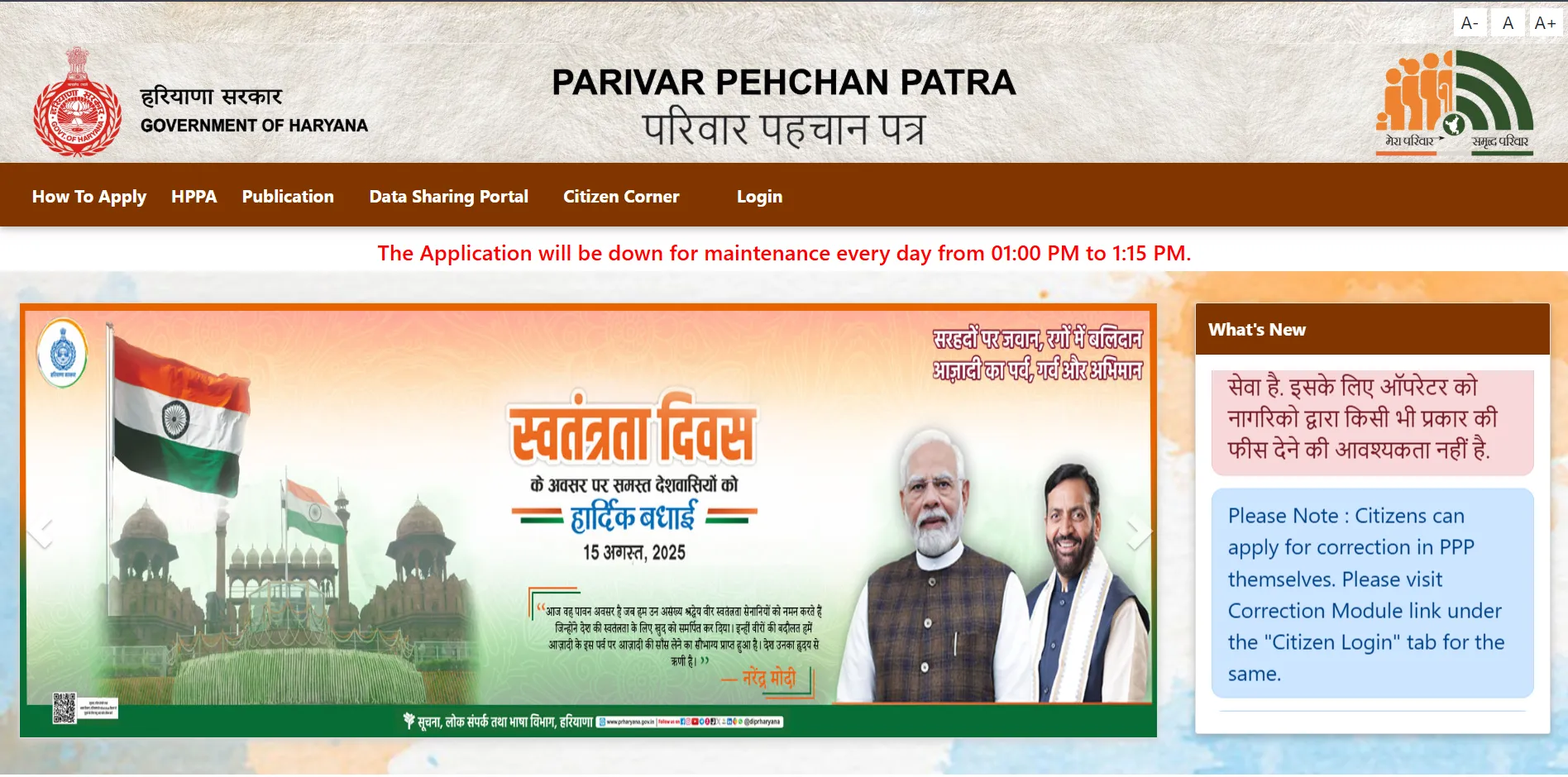
Open the Official PPP Portal
Go to ppp-office.haryana.gov.in and click Citizen Login. Confirm the address ends in haryana.gov.in before entering your Aadhaar anywhere.
🔗 https://ppp-office.haryana.gov.in/
STEP 2
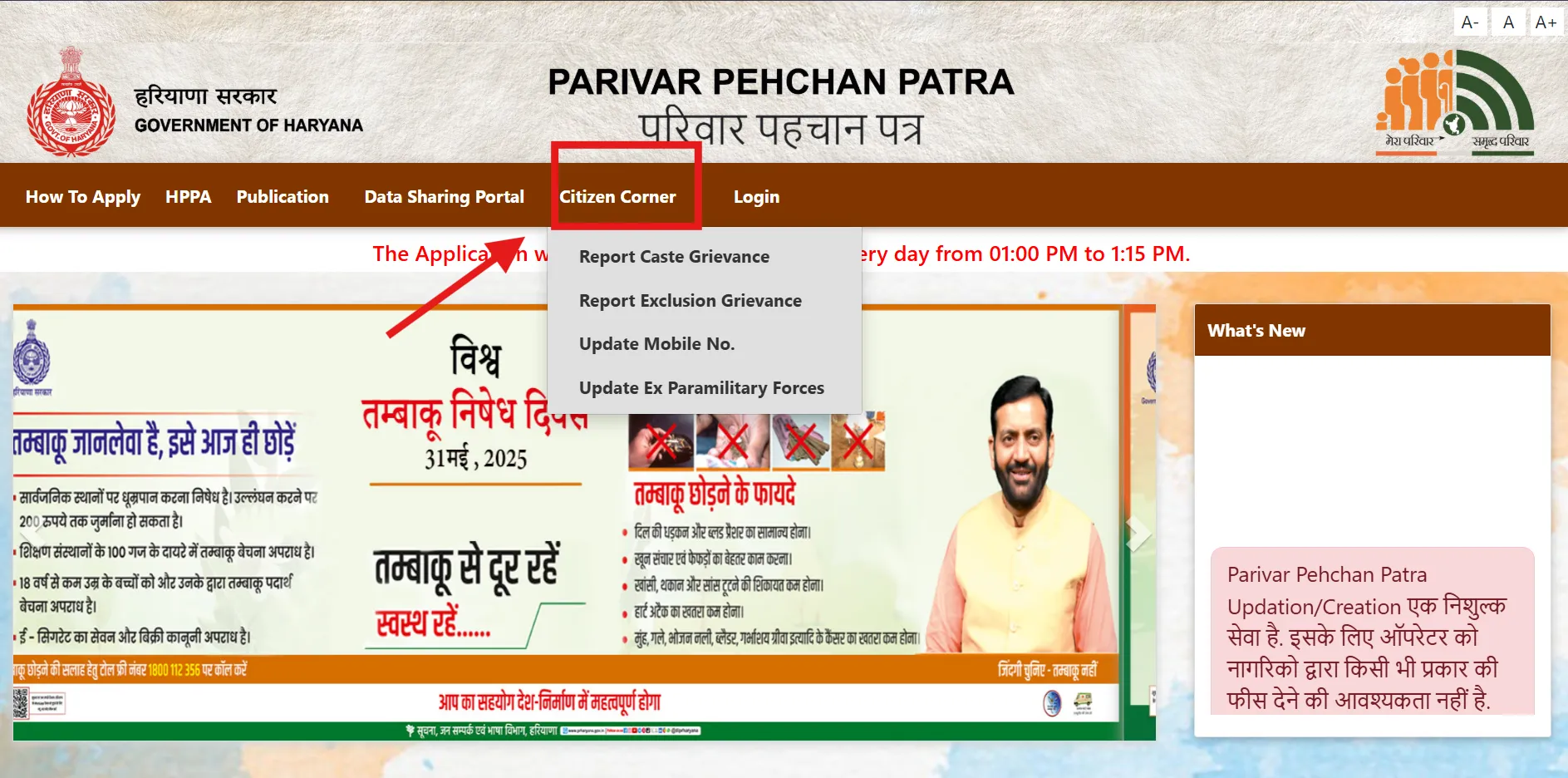
Choose “Forgot Family ID”
When asked whether you have a Family ID, look for the Forgot Family ID or Search Family ID option instead of entering a number.
STEP 3
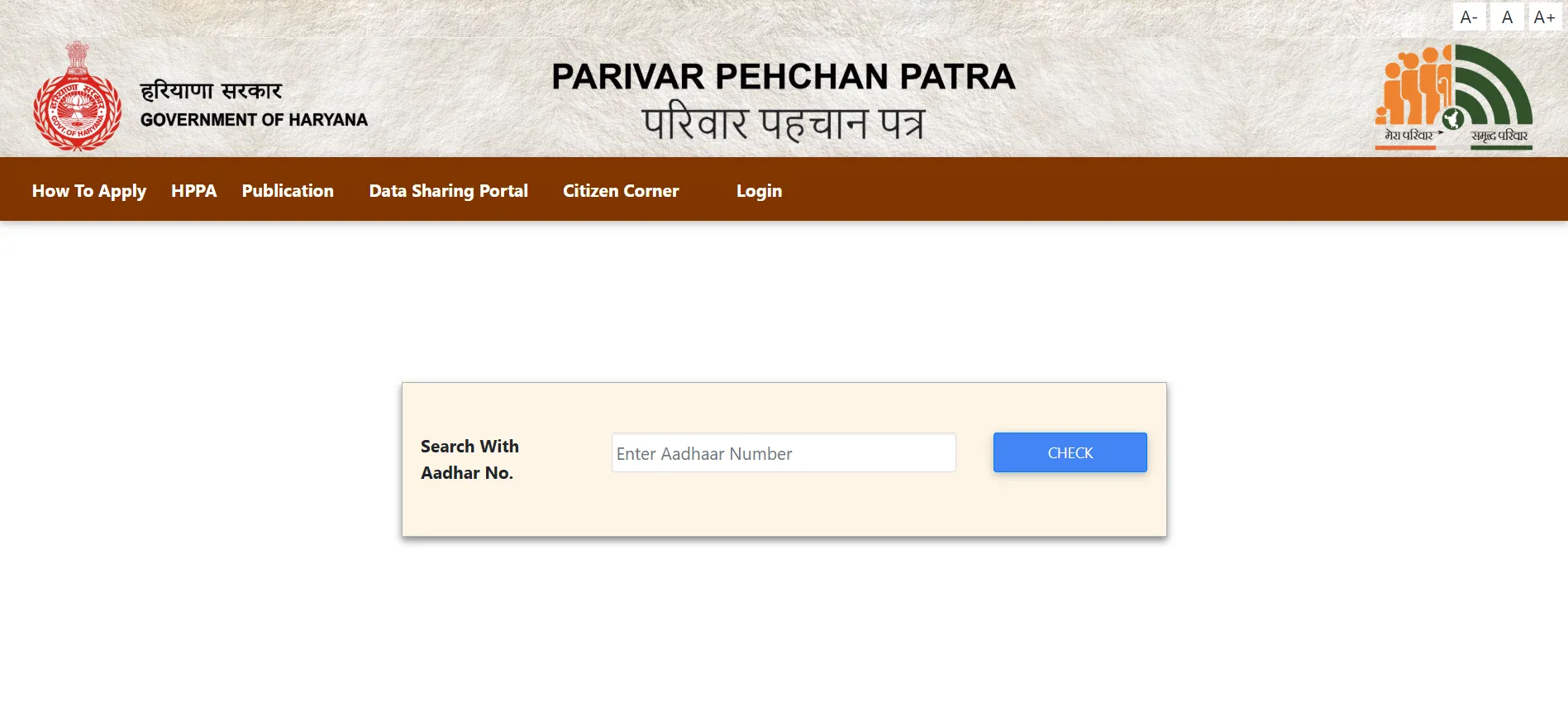
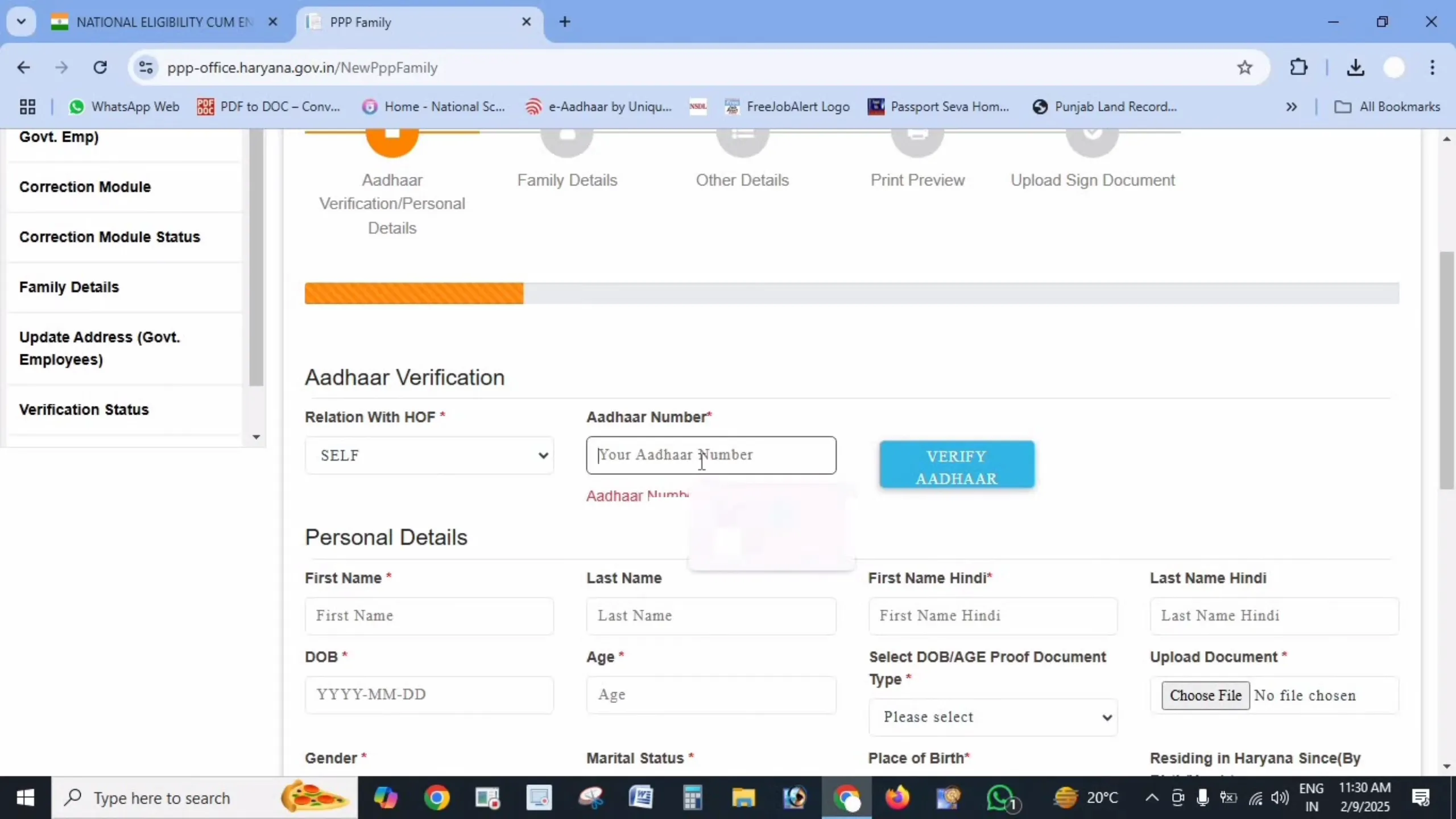
Enter Your Aadhaar Number
Type the 12-digit Aadhaar number of any family member listed in the record – the family head’s Aadhaar works best. You can also search using the registered mobile number.
STEP 4
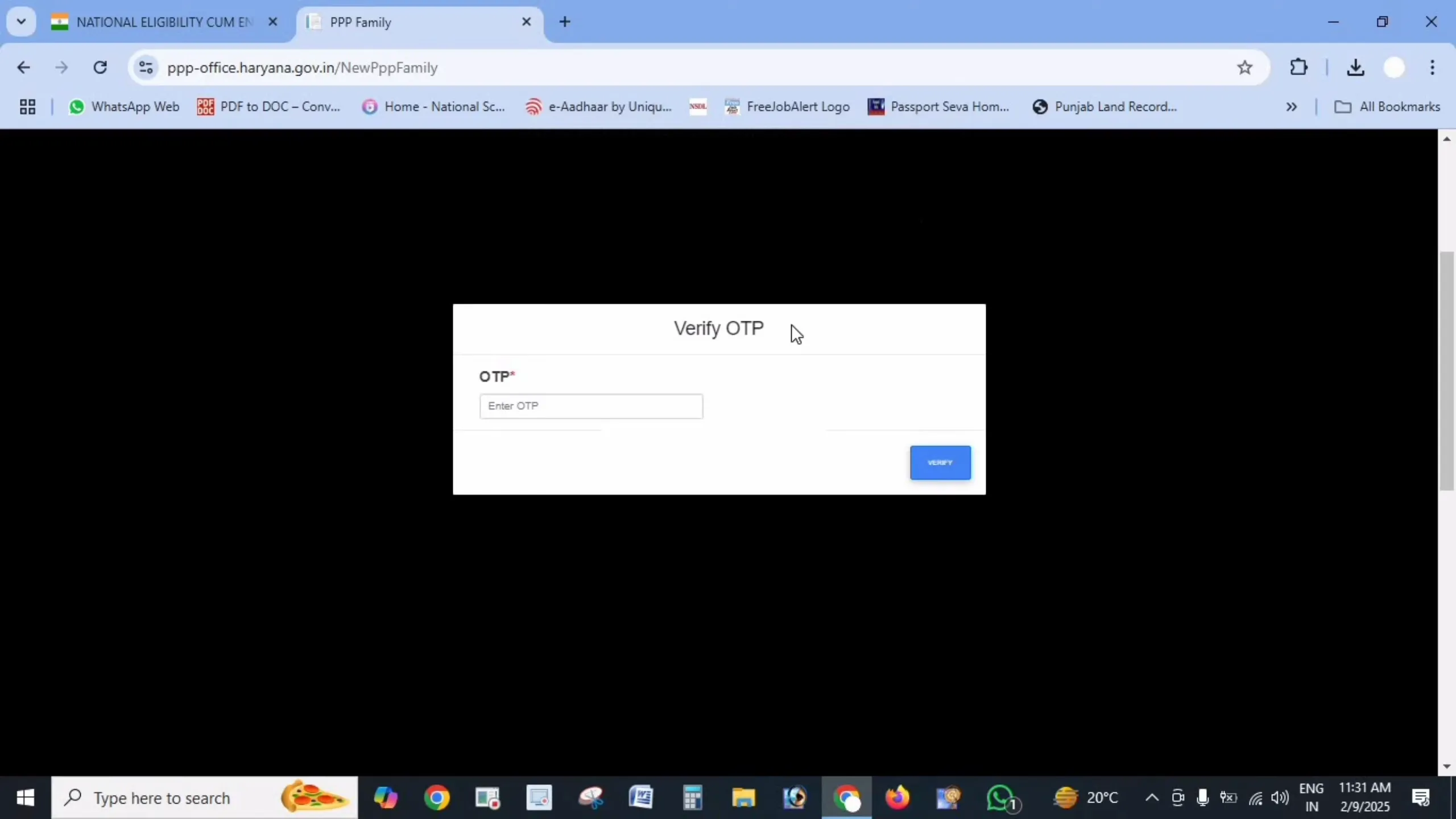
Verify the OTP
An OTP is sent to the mobile number linked to that Aadhaar or to your PPP record. Enter it to prove the record belongs to you – this stops strangers looking up your family data.
STEP 5
View and Save Your Family ID
Your Parivar Pehchan Number appears on screen along with the family head’s name. Note it down or screenshot it, then use it to log in and download your card.
Other Ways to Find Your Family ID
Common Problems While Searching
No Family ID found for my Aadhaar
Either that Aadhaar was never added to a Family ID, or it is linked under a different family record. Try the family head’s Aadhaar first. If nothing is found at all, your family may genuinely not be registered yet – in that case, register on the homepage guide.
OTP is going to an old mobile number
If the registered number is no longer with you, online recovery will not work. Visit an Antyodaya Saral Kendra or CSC with the family head’s Aadhaar – the operator can verify you in person and update the number.
My Aadhaar is not linked to any mobile
OTP verification needs an Aadhaar-linked mobile number. Update it at any Aadhaar Seva Kendra first, then return to the PPP portal and search again.
I found two different Family IDs
This means a duplicate record was created at some point. Visit a Saral Kendra with both numbers and your family documents to have the records merged – do not keep using both.
Frequently Asked Questions
Disclaimer: This is a private informational website created to help citizens understand the Parivar Pehchan Patra scheme. We are not affiliated with the Government of Haryana or UIDAI. Always search for your Family ID only through the official portals meraparivar.haryana.gov.in and ppp-office.haryana.gov.in.