Application Tracking · Guide 2026
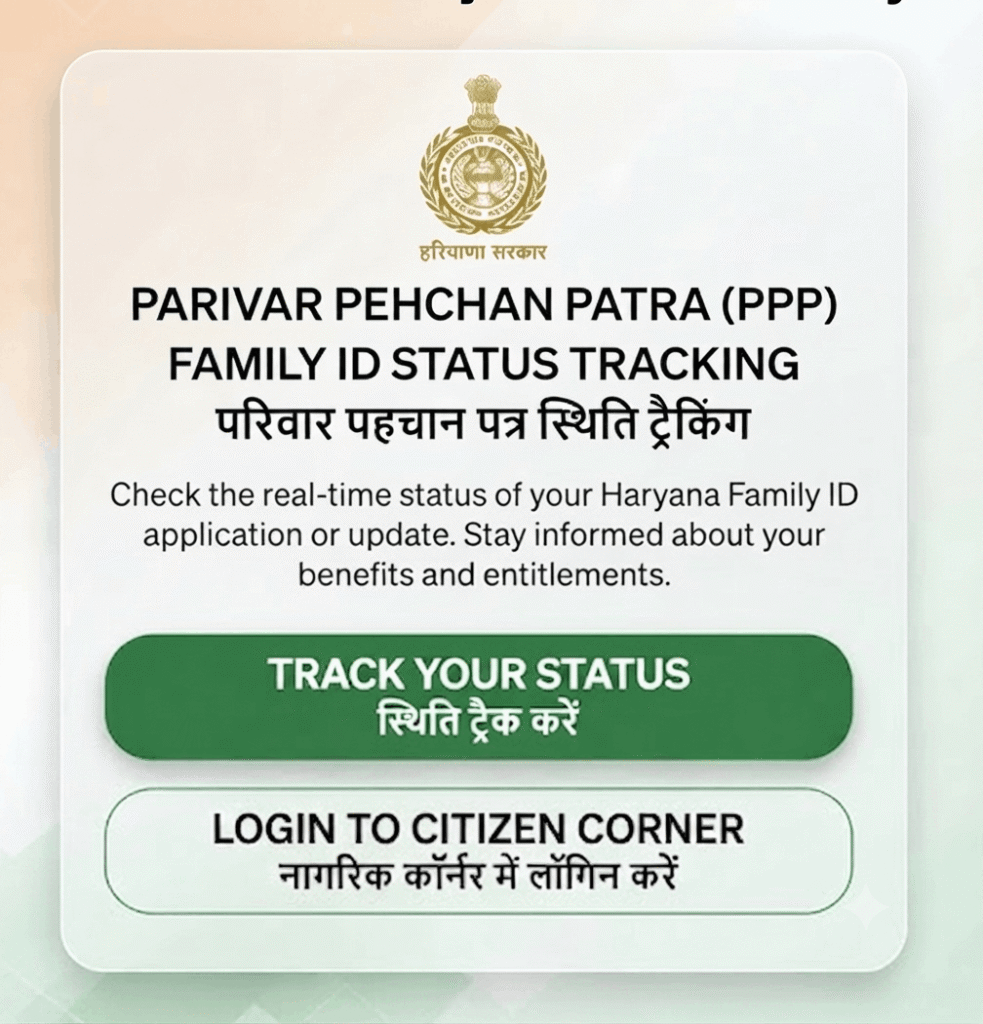
Check Family ID Status Haryana – Track Your PPP Application
Applied for a new Parivar Pehchan Patra and waiting for approval? You can track your Family ID application status online using your Aadhaar number, mobile number or temporary ID – no need to visit any office.
⏱️ 10–30 Days Processing 🆔 Aadhaar or Family ID 💸 Free to Check
Last updated: 30 September 2026 · Reviewed by the Haryana Family ID research team against official PPP sources.
Why Check Your Family ID Status?
After you submit a Parivar Pehchan Patra application, it goes to a local verification committee. Officials confirm your family details against Aadhaar (UIDAI) records and, where relevant, income and address proofs. This normally takes 10 to 30 days.
Checking the status tells you whether your application is still pending, has been approved, or was sent back for a correction. If something is wrong – a mismatched name, an unverified document – you can fix it early instead of waiting months.
How to Check Family ID Status – Step by Step
Keep your Aadhaar number or the temporary Family ID (starting with “T”) you received after applying, plus access to your registered mobile for the OTP. Click any screenshot to enlarge it.
STEP 1
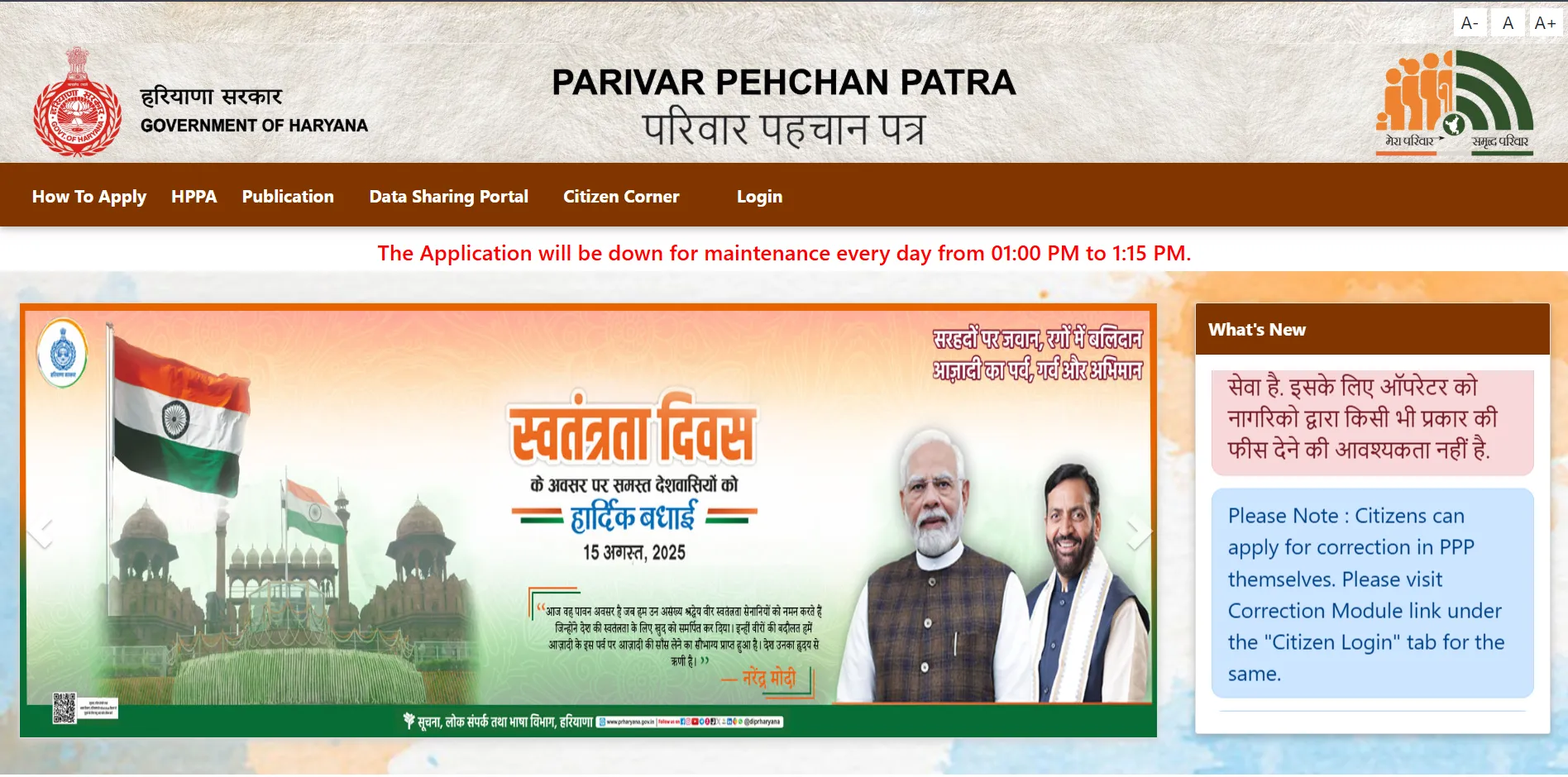
Open the Official PPP Portal
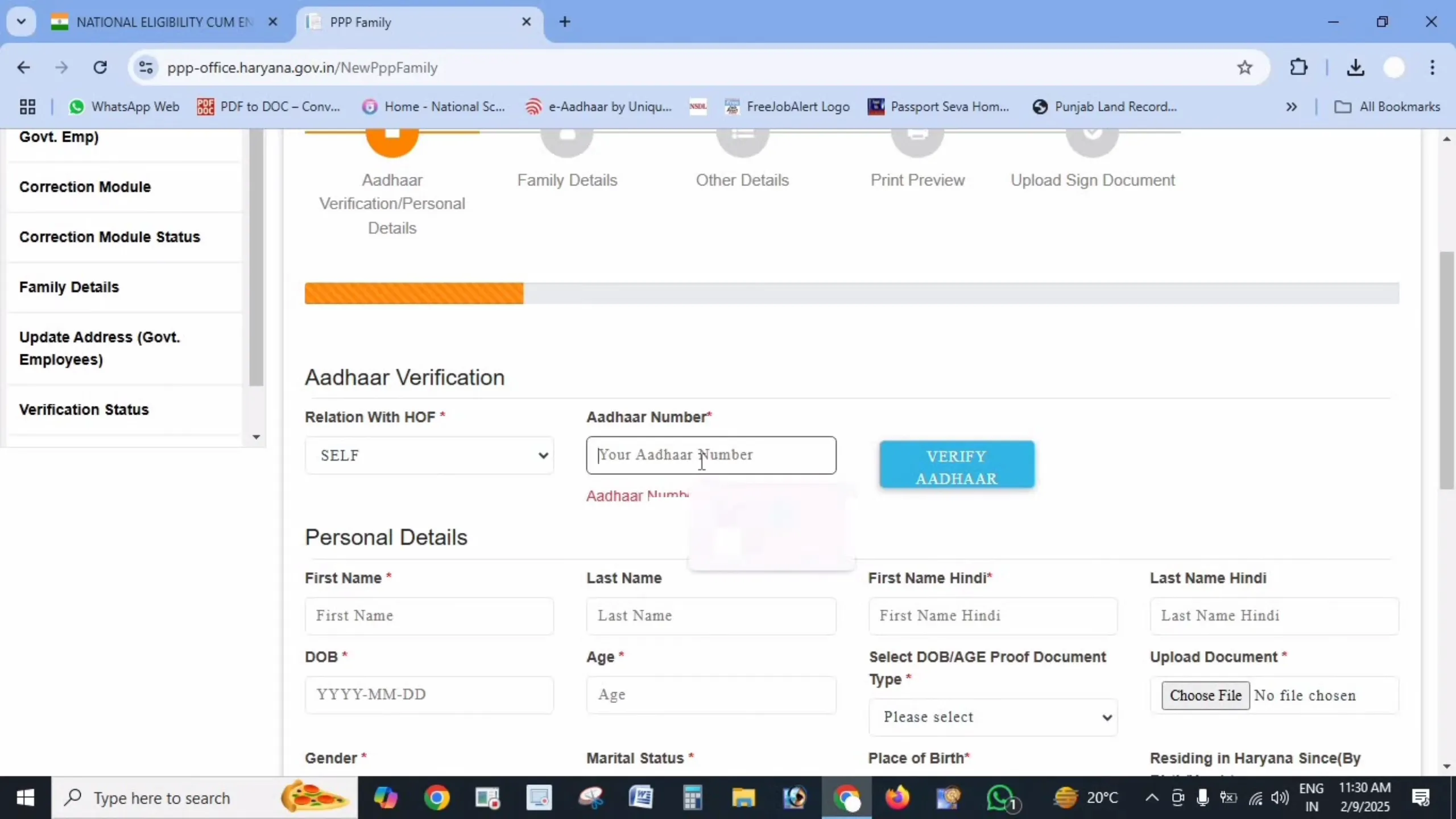
Go to the Citizen Corner at ppp-office.haryana.gov.in and click Citizen Login. Confirm the address ends in haryana.gov.in before entering anything.
🔗 https://ppp-office.haryana.gov.in/
STEP 2
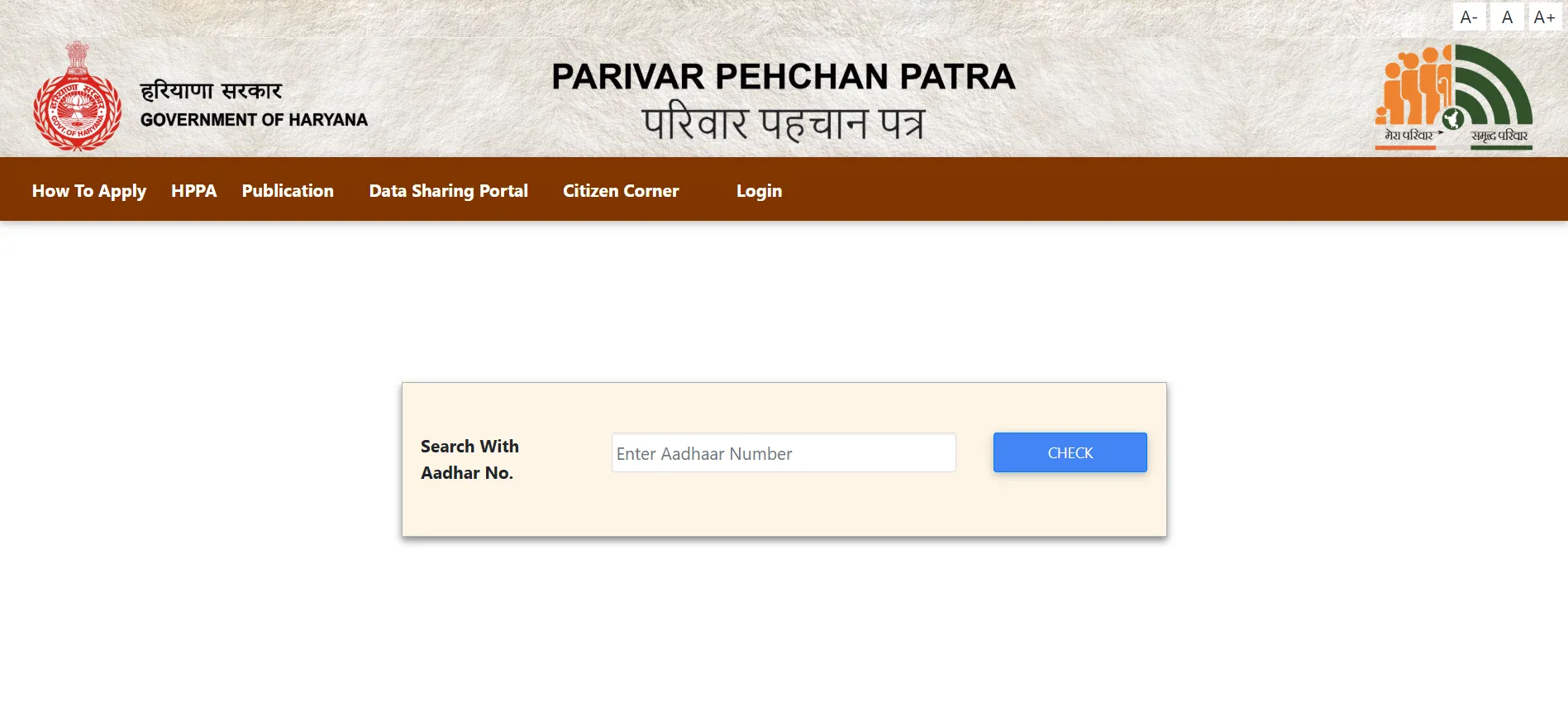
Choose How to Search
You can track your application using your Aadhaar number, your registered mobile number, or the temporary Family ID issued when you applied. Pick whichever you have to hand.
STEP 3
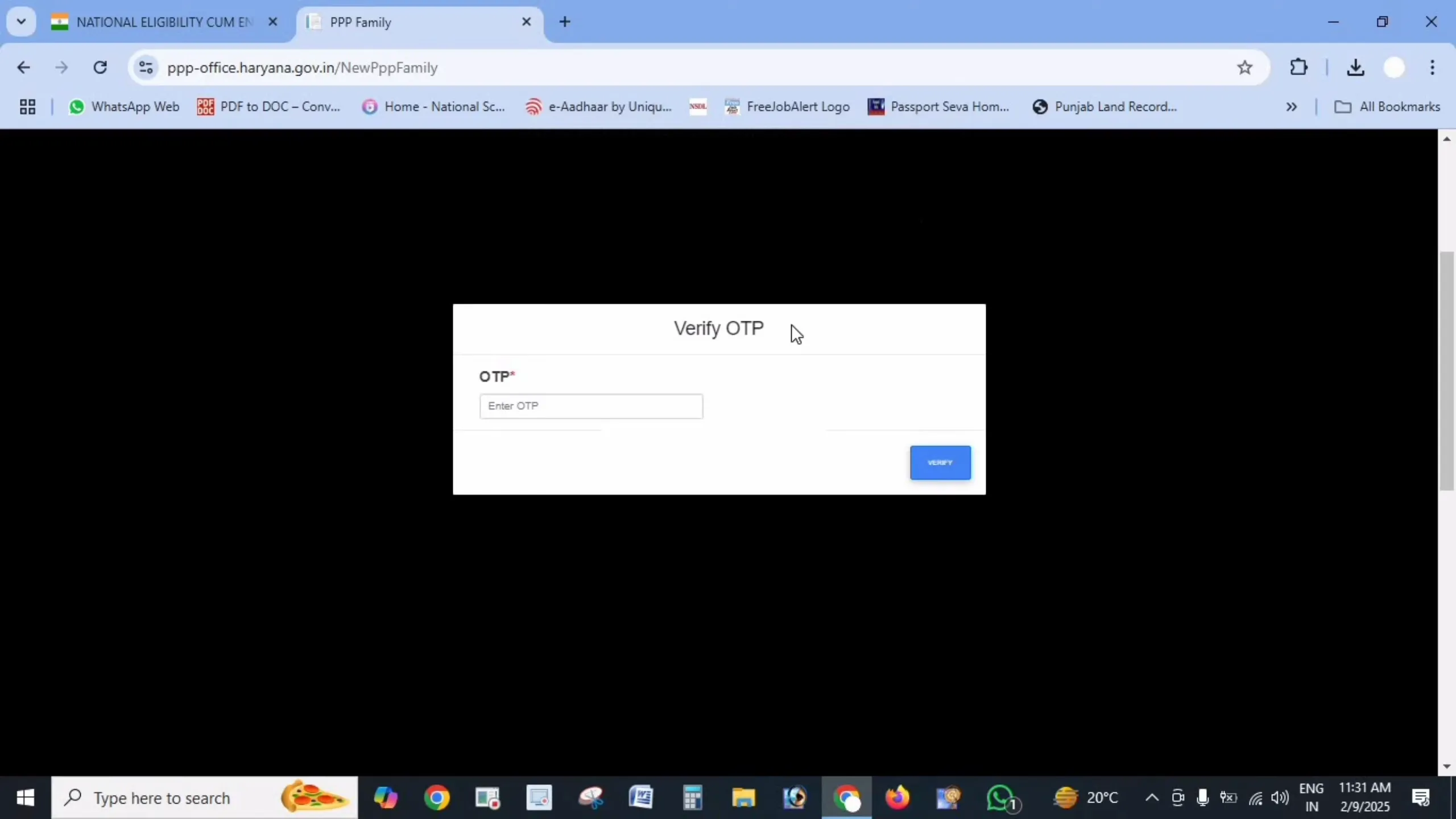
Verify with OTP
An OTP is sent to the mobile number linked to your application. Enter it to confirm your identity – this protects your family data from being viewed by anyone else.
STEP 4
View Your Application Status
Your current status appears on screen – pending, under verification, approved, or sent back for correction. If approved, your permanent 8-digit Family ID is shown and you can download the card.
What Each Status Means
| Pending / Submitted | Your application has been received and is waiting to be picked up for verification. |
| Under Verification | The local committee is checking your family details against Aadhaar and your submitted proofs. |
| Sent Back / Objection | Something did not match – usually a name, date of birth or document. Correct it and resubmit. |
| Approved | Verification is complete. Your permanent 8-digit Family ID is issued and ready to download. |
| Rejected | The application could not be verified. Visit a Saral Kendra with your documents to find out why. |
What to Do Next
Common Problems While Checking Status
No record found for my Aadhaar
If the portal cannot find an application, the Aadhaar you entered may not be the one used by the family head when applying. Try the family head’s Aadhaar, or search using the temporary ID instead.
Status stuck on pending for weeks
Verification genuinely takes 10–30 days, and longer during busy periods. If it has been over a month with no movement, visit your nearest Antyodaya Saral Kendra with your acknowledgement slip and ask them to check the file.
Lost the temporary ID slip
You do not strictly need it – search using the family head’s Aadhaar number instead. If that also fails, a Saral Kendra operator can look up your application from your Aadhaar and mobile number.
Frequently Asked Questions
Disclaimer: This is a private informational website created to help citizens understand the Parivar Pehchan Patra scheme. We are not affiliated with the Government of Haryana. Always check your status only through the official portals meraparivar.haryana.gov.in and ppp-office.haryana.gov.in.